[ESSP]Download Target Image for Printing
PAGE INFORMATION

CONTENT
How to Use
1. Cut the target image using the red marking line as a reference.
2. Separate the front frame and the detection film of the ESSP.
3. Remove the existing target paper from the ESSP.
4. Attach the cut target paper to the ESSP using the double-sided tape included in the components.
5. Assemble the detection film and the front frame.
6. Change to the replaced target in the control app.
10m Air Pistol.pdf [Download]
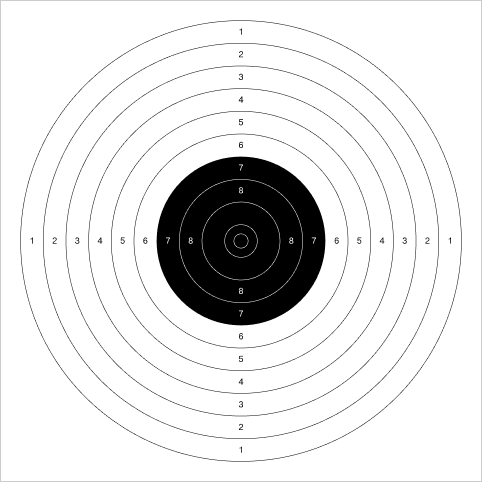
Zeroing.pdf [Download]
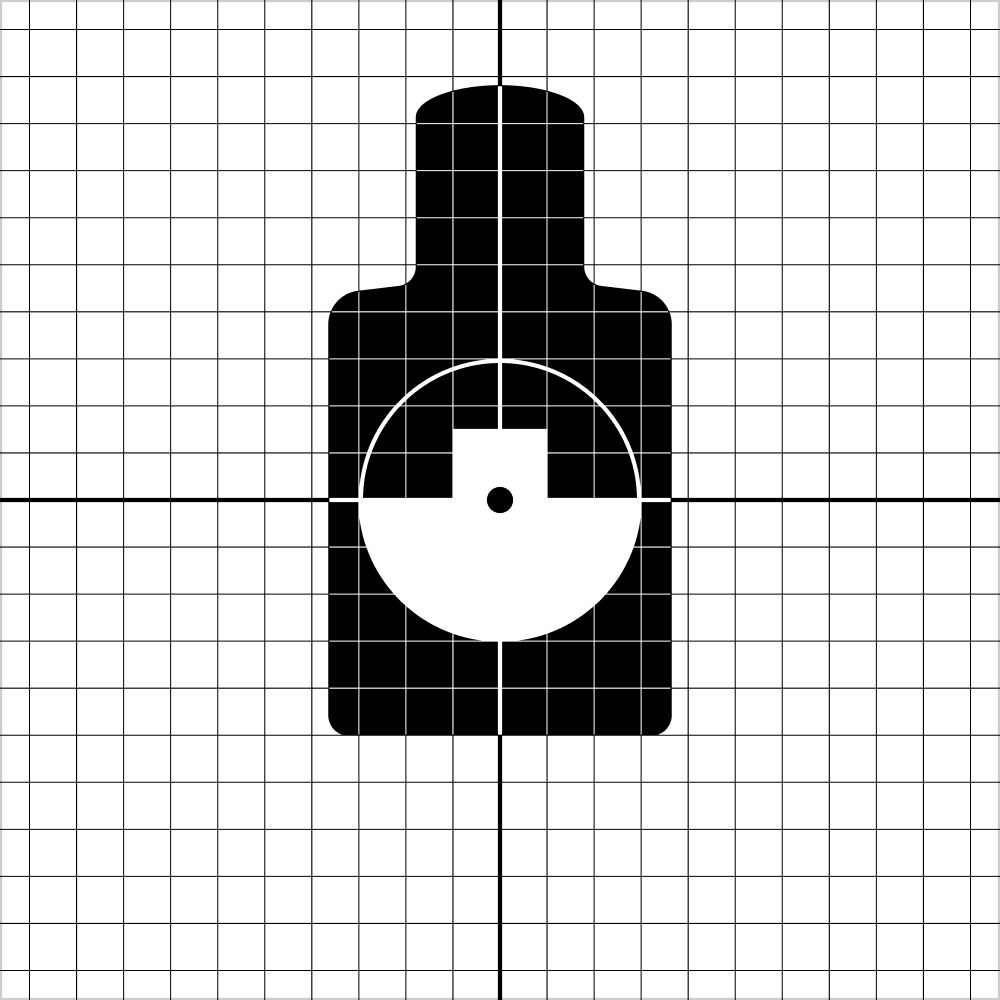
IPSC.pdf [Download]
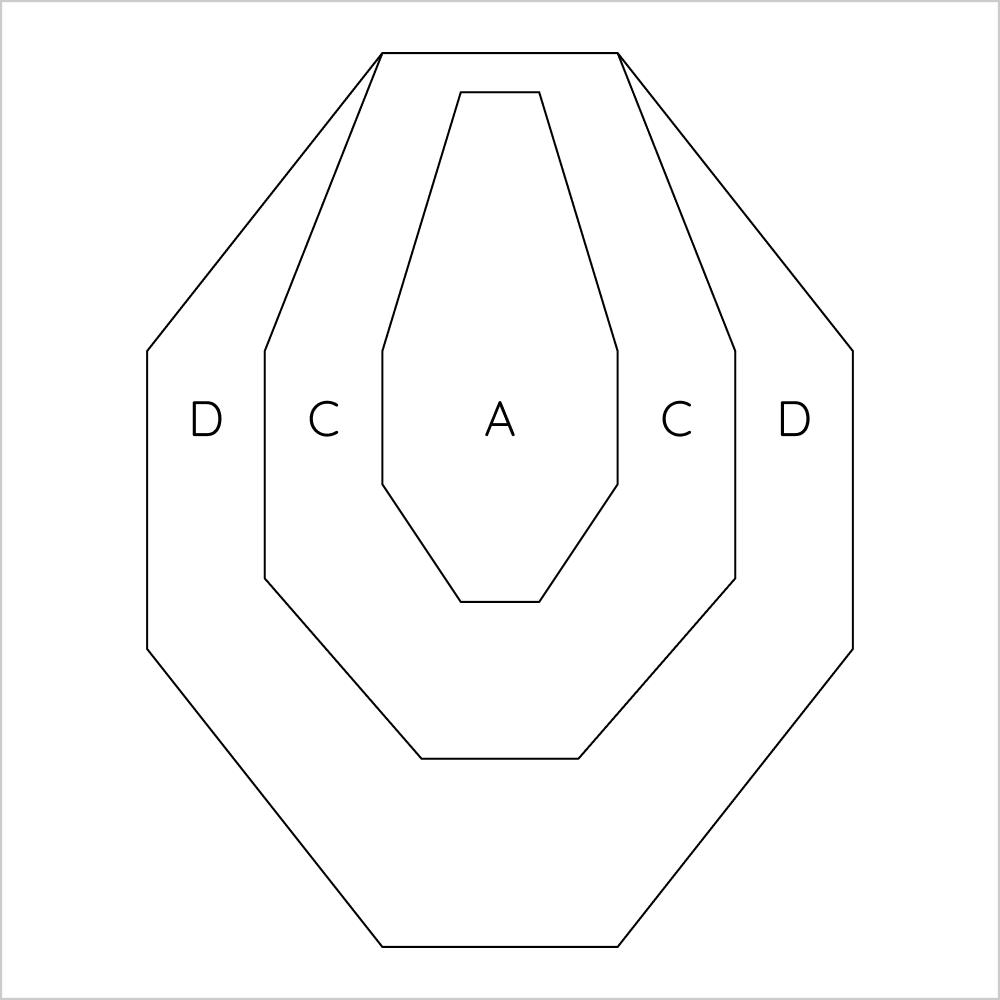
USPSA.pdf [Download]
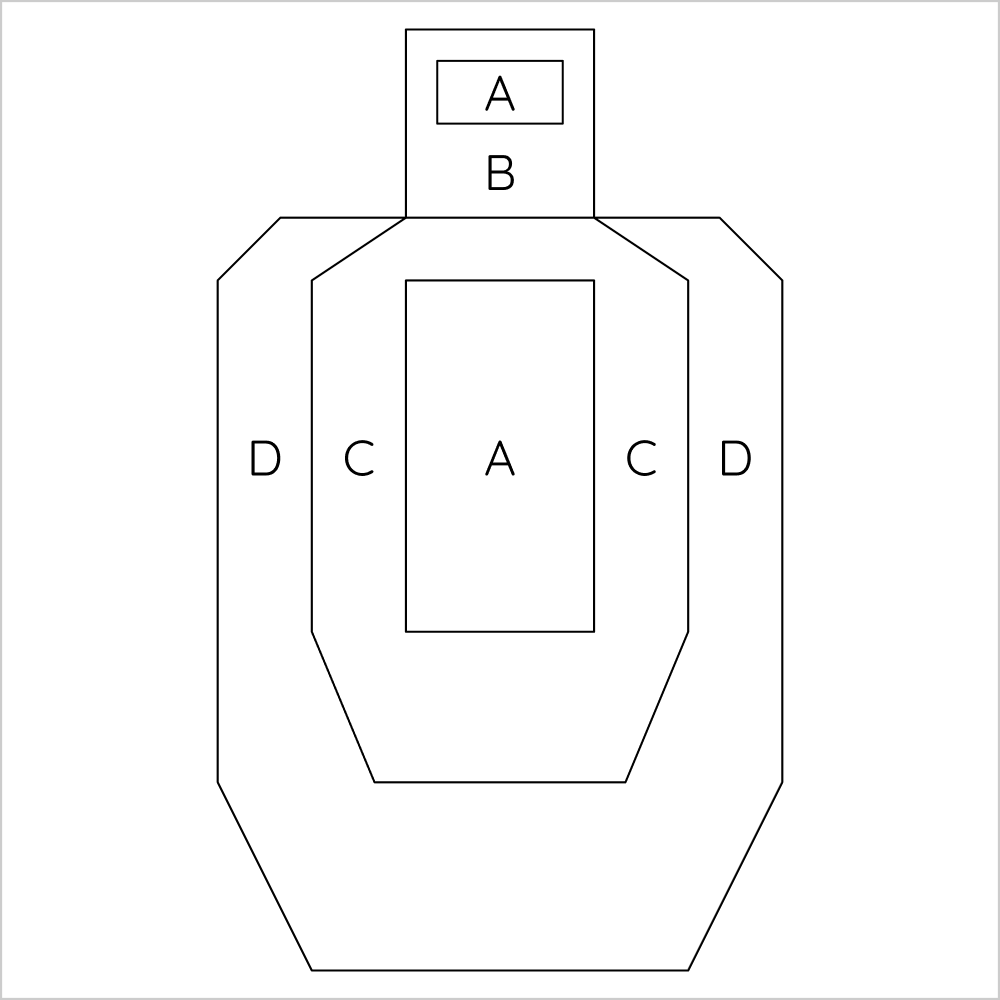
Shot Timer.pdf [Download]
- PREV[ESSP] 3D Print Files for Dedicated Accessories 26.08.26
- NEXTProduct User Manual download 26.07.01
COMMENTS
NO COMMENTS HAVE BEEN REGISTERED.